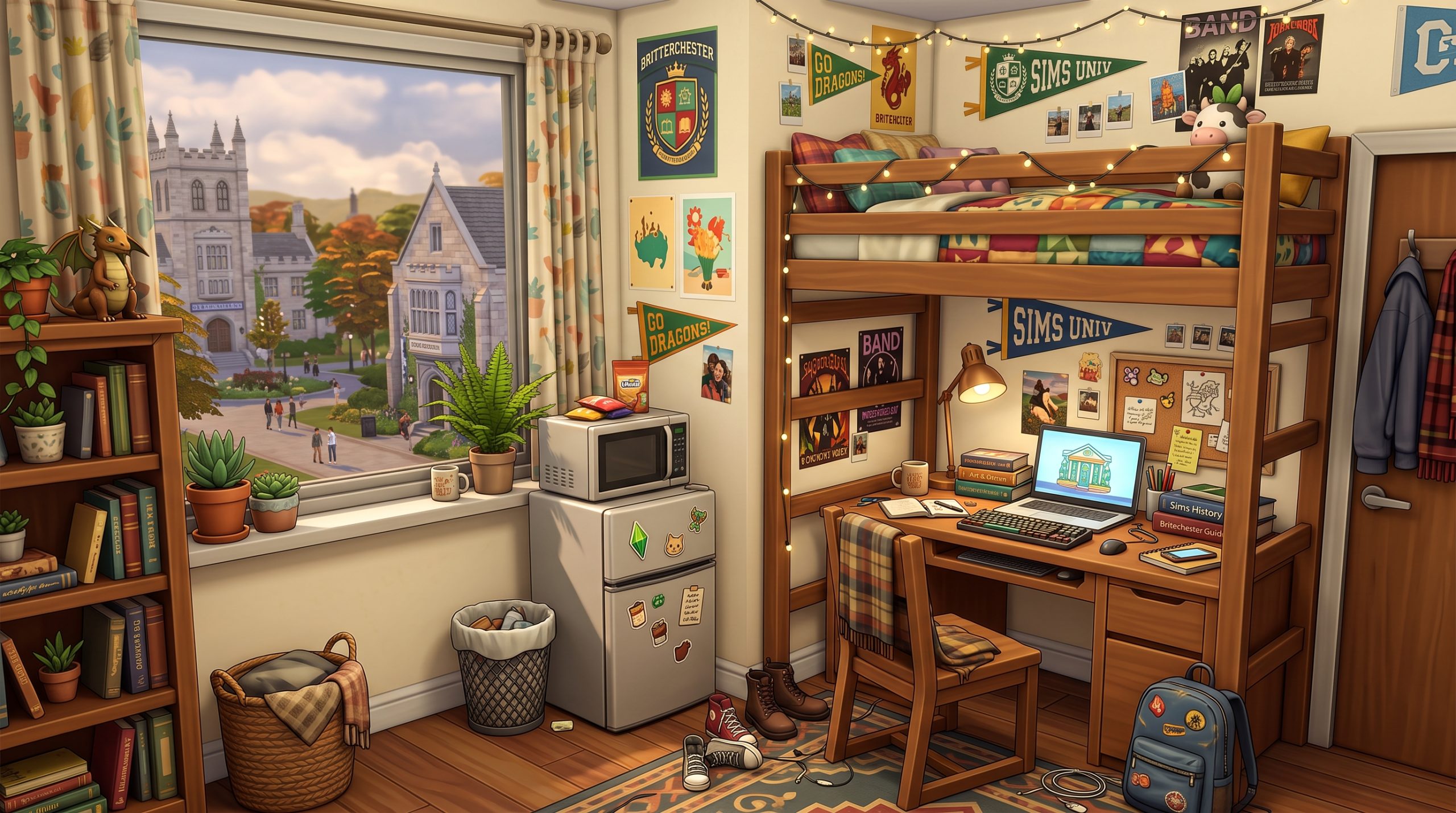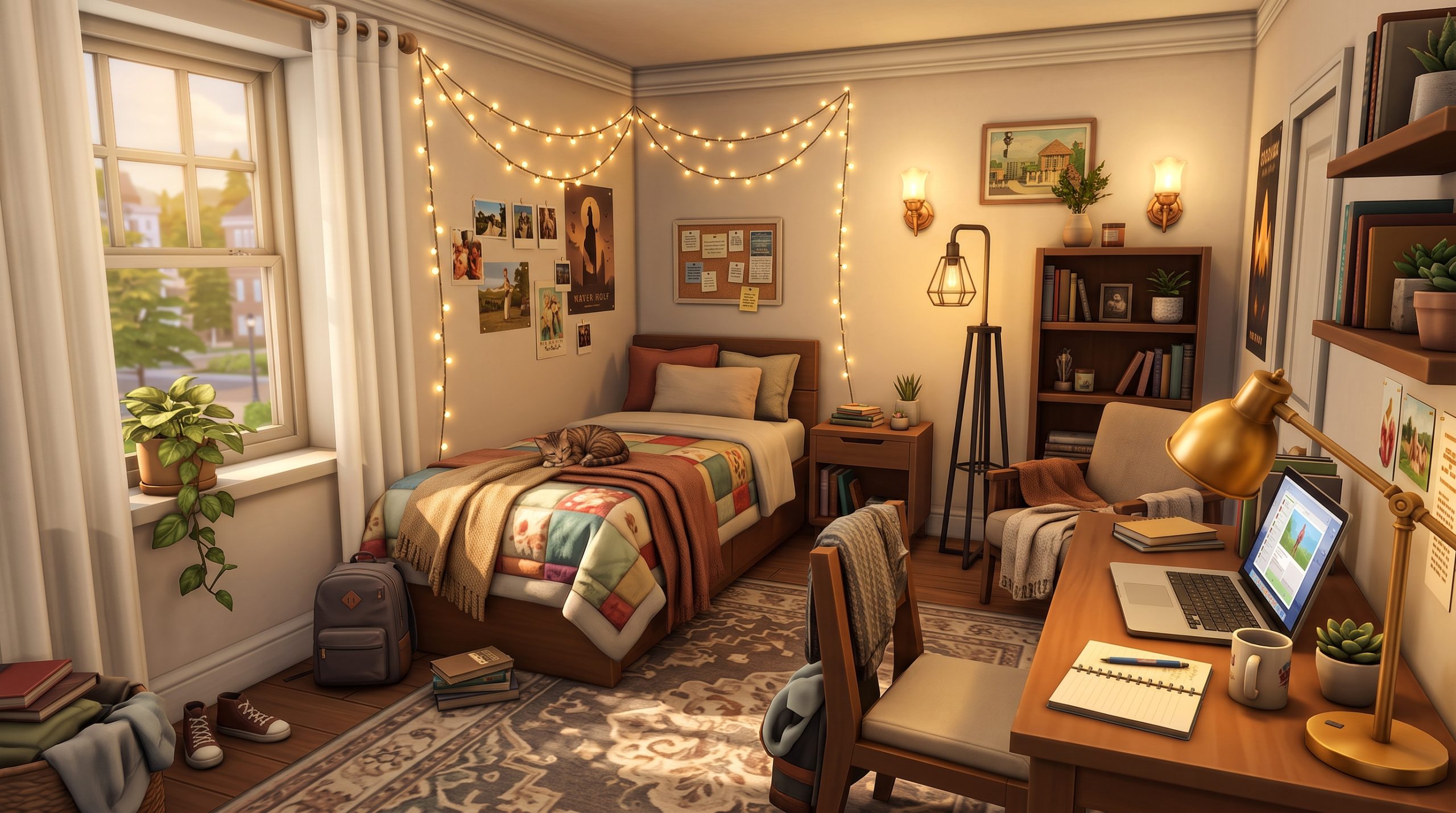

Building an inspiring workspace in The Sims 4 is about far more than dropping a plain wooden desk and a standard office chair into an unused corner. Whether your Sim is a freelance writer grinding out novel deadlines, an influencer editing video clips, or an esports pro climbing the ranks, their environment shapes their daily routine and your gameplay experience. Finding the perfect Sims 4 aesthetic home office ideas allows you to blend high-design interior styles with full gameplay functionality, transforming plain build mode items into breathtaking, story-rich environments.
In this comprehensive guide, we will explore design themes ranging from serene minimalist corners and lush botanical havens to moody Dark Academia studies and neon-lit gamer setups. You will also learn essential builder techniques, key cheat codes for realistic decor stacking, and top recommendations for both official DLC and custom content. If you want to elevate your build skills, you can also check out our guide on how to build custom furniture in Sims 4 to expand your design toolkit.
How to Create a Functional and Aesthetic Office in The Sims 4
Designing a high-end office room requires balancing visual appeal with game mechanics. It is easy to create a stunning scene using cheats, only to find out your Sim gets frozen in place with an unroutable path bubble when trying to sit down and write a report. Achieving a practical, beautiful study relies on understanding tile grids, item slots, and character pathfinding.
Balancing Form and Functionality
The primary reason custom office builds fail during gameplay is slot interference. Desks in The Sims 4 come equipped with hardcoded snapped slots designed for computers, lamps, and small decorations. When you bypass these snap points to place extra clutter, you risk blocking the middle tile where your Sim needs to slide their legs under the desk.
- Keep the main chair foot-space clear: Always leave at least one full tile behind the office chair clear of large clutter or tall floor plants so the chair pulling animation triggers smoothly.
- Test computer interactions: After detailing your workspace, enter Live Mode immediately to ensure your Sim can perform interactions like “Play Blerds,” “Research,” or “Write Book.”
- Mind the wall decorations: Wall art placed too low directly behind a computer screen can obstruct a Sim’s path if the game registers the frame as an floor-level obstacle.
Choosing the Right Lighting and Color Palette
Lighting changes everything in build mode. A room filled with stylish items can look flat and yellow under standard ceiling fixtures. To achieve a realistic look, combine ambient environmental light with warm task lighting on the desk itself.
Utilize windows to frame your desk layout. Placing a modern desk directly in front of floor-to-ceiling glass creates an inviting nook washed in natural sunlight. For artificial light, manually adjust the light intensity and color temperature in Live Mode. Setting desk lamps to a soft, warm white rather than the harsh default bright white instant-casts realistic depth and shadows over your Sims 4 study room decor.
Cozy Minimalist Desk Setups for Modern Sims
Minimalism remains one of the most popular aesthetic choices for modern builds. Characterized by clean lines, muted color schemes, and intentional object placement, cozy minimalist workspaces feel calm, organized, and elevated.
Clean Lines and Neutral Tones
To pull off a modern minimalist study, limit your palette to two or three primary materials—such as pale oak, matte black steel, and soft off-white plaster. The key is avoiding visual chaos while still providing enough texture so the space feels lived-in rather than sterile.
Combine floating wall shelves with streamlined, leggy desks from packs like Dream Home Decorator or Spa Day. Instead of filling every shelf surface, place single, high-impact decorative pieces: an abstract ceramic vase, a stack of two books, or a small minimalist clock. Utilizing neutral rug overlays beneath the desk anchors the furniture cluster without overwhelming the floor area.
Streamlined Workstations for Tech-Savvy Sims
For Sims working in tech careers like Programming or Style Influencing, a high-tech yet clean setup is essential. Pair a slim, frameless computer monitor with an ergonomic desk chair. Use sleek wire-management aesthetic tricks, such as placing low-profile storage drawers from the Discover University expansion directly alongside the desk legs.
To maintain a modern atmosphere, lean into subtle backlighting. Placing slender LED-style wall lights vertically along the sides of the desk creates a chic halo effect during night cycles, giving you prime Sims 4 modern work space inspiration for modern apartments or suburban builds.
Maximalist and Plant-Filled Study Rooms for Creative Sims
If minimalism feels too sterile, maximalism offers the exact opposite: rich textures, layered decorative pieces, vibrant wall art, and an abundance of indoor foliage. This style is ideal for painter Sims, botanists, freelance writers, and eccentric creators who thrive in sensory-rich surroundings.
Layering Greenery and Botanical Clutter
Plants instantly breathe life into any build. To create an indoor jungle office, layer greenery at multiple height levels across the room:
- Floor Level: Place large potted palms, fiddle-leaf figs, or monstera plants from the Blooming Rooms Kit in corners or directly beside the desk base.
- Desk Surface: Use tiny succulents, trailing ivy hanging off table edges, or small terrariums on top of book stacks.
- Wall and Ceiling: Mount hanging planters at different elevations using wall hooks or ceiling mounts to frame the computer monitor.
Mixing plant pots made of terracotta, woven rattan, and glazed ceramic adds texture. Surrounding your workstation with flora gives your Sims a cozy, natural sanctuary that feels both artistic and peaceful.
Artistic Workstations for Writers and Painters
For creative personalities, let their occupation spill over onto the study floor. Surround the central desk with leaning canvases, oversized corkboards packed with inspiration swatches, and overflowing bookshelf units. Mix matchy furniture intentionally—pair a rustic vintage timber table with an eclectic fabric accent chair.
Don’t be afraid to clutter the perimeter of the room. Lay down patterned vintage rugs, stack open sketchbooks on side tables, and hang gallery walls that stretch all the way from the baseboards to the ceiling moulding to highlight the home’s creative heritage.
Industrial and Dark Academia Office Design Ideas
For players who prefer atmospheric, moody interiors, industrial lofts and Dark Academia libraries offer incredible storytelling depth. These styles rely on dramatic contrast, rich materials, deep earth tones, and timeless architecture.
Mood Lighting, Leather, and Exposed Brick
Industrial office spaces work beautifully in San Myshuno apartments or reclaimed factory builds. Start with architectural foundations: exposed brick accent walls, dark concrete or aged timber flooring, and black steel window frames. Combine heavy cast-iron desk frames with distressed leather armchairs.
To pull off these atmospheric spaces, incorporate authentic industrial details like open metal scaffolding shelves, brass task lamps, exposed ceiling pipes from debug mode, and weathered area rugs. Incorporating these textures gives you timeless options when gathering Sims 4 aesthetic home office ideas for gritty city builds or restored urban brownstones.
Vintage Bookshelves and Gothic Elements
Dark Academia focuses on classical literature, scholarly history, and antique charm. To design a classic academic study room:
- Floor-to-Ceiling Library Walls: Line the perimeter walls with rich mahogany or dark walnut bookcases using items from Discover University, Realm of Magic, or Vampires.
- Antique Desk Clutter: Decorate table surfaces with antique globes, open leather journal books, brass inkwells, framed historic maps, and melted taper candles.
- Rich Color Palette: Paint walls in deep forest green, moody navy, burgundies, or charcoal grey, accented by dark wood trim.
This layout style is tailored for historical gameplay, scholarly Sims, or magical spellcasters needing a solemn space to analyze ancient tomes.
Small Space Desk Hacks Using the MoveObjects Cheat
Not every house build offers room for a dedicated 6×6 study. Often, you need to squeeze a fully operational desk setup into an apartment hallway, a bedroom alcove, or under a staircase landing. Using precise building tricks, you can design compact Sims 4 functional desk builds in incredibly tiny footprints.
Mastering the Essential Build Cheats
To build custom, compact furniture arrangements, open your cheat console (press Ctrl + Shift + C on PC/Mac or all four triggers on console) and type bb.moveobjects on. This bypasses the default grid restrictions, allowing objects to intersect freely.
Key shortcut controls to keep in mind while building:
- Free Placement: Hold the
Altkey while clicking and dragging an object to slide it smoothly off-grid. - Free Rotation: Hold the
Altkey while rotating an object with your mouse to turn it to any precise angle. - Elevation Control: Press the
9key to raise an object upward and the0key to lower it back down. - Resizing Items: Use the bracket keys (
[and]) to shrink or enlarge decor items.
If you need a complete refresher on game commands, read our detailed guide on the best Sims 4 build mode cheats to master free object placement.
Tucking Workstations Under Stairs and Nook Spaces
One of the best space-saving tricks is building a study under an open staircase. Place an open-frame desk beneath higher stair treads using bb.moveobjects, then raise wall shelves above it along the angled stair wall.
Another classic technique is building a built-in alcove desk. Insert a single-tile desk surface inside a wall recess, surround it with tall bookcase towers on either side, and place small wall lights directly underneath suspended shelving. This creates a cozy, custom-fitted study zone without stealing floor space from the main living area.
Must-Have Custom Content (CC) Packs for Office Decor
While official DLC offers plenty of great furniture, the Maxis Match and Alpha custom content community takes office aesthetics to a whole new level. Custom Content creators craft hyper-detailed tech items, functional desk additions, and stunning decorative clutter sets.
Top Maxis Match Office CC Creators
Maxis Match CC seamlessly blends into the standard art style of The Sims 4 while offering modern real-world furniture designs. When searching for high-quality aesthetic Sims 4 office CC packs, these creators are essential downloads:
- Pierisim: Known for architectural mastery, sets like Oak House, Coldbrew, and Dominion feature sleek Scandinavian desk surfaces, modular office storage, and beautiful minimalist office chairs.
- Harrie: Offers incredible interior sets like Spoons and Kwanzan, filled with realistic desk clutter, floating desk units, and modern desktop displays.
- Myshunosun: Specializes in mid-century and modern soft pastel furniture sets, offering unique desk chairs, sleek task lamps, and colorful desk organization items.
- Peacemaker-IC: The go-to creator for stunning wood finishes, industrial metal textures, and expanded modular bookcase systems.
Cozy Gamer Room Ideas and Alpha CC
If you love ultra-detailed gaming setups, downloading gamer-focused CC transforms plain desks into high-end streaming stations. Look for creators who specialize in high-tech desktop setups featuring dual monitors, mechanical keyboards with RGB illumination, gaming PCs with glass side-panels, oversized desk mats, and glowing wall neon panels.
To design impressive cozy gamer room ideas Sims 4 players love, incorporate streamer accessories: micro-pop filters on swivel arms, over-ear headphones rested on desk stands, ambient soundproofing wall panels, and plush gamer chairs. Blending these tech items with warm string lights creates a lively, realistic gamer sanctuary.
Frequently Asked Questions
How do I make a custom desk look aesthetic in The Sims 4?
To make a custom desk look aesthetic, combine base game counter units or low tables using the bb.moveobjects on cheat. Layer textured rugs beneath the desk area, add floating wall shelves directly above the monitor, and hold the Alt key to place realistic clutter like journals, coffee mugs, and small potted plants at natural, angled positions across the surface.
Can Sims still use desks customized with the MoveObjects cheat?
Yes, Sims can use desks customized with cheats as long as the primary interaction tile remains clear. Avoid placing raised items directly in front of the computer keyboard slot or blocking the foot space under the center of the desk. Always test your build in Live Mode by commanding a Sim to sit and use the computer immediately after placing decor.
What are the best official Sims 4 packs for home office items?
The best official packs for office furniture include Dream Home Decorator (for modular shelving and sleek modern desks), Discover University (for classic academic study items and simple desks), High School Years (for trendy teen and gamer setups), and the Blooming Rooms Kit (for adding leafy botanical decorations to study shelves).
How do I add realistic desk clutter without blocking functionality?
To add realistic clutter without snapping items to default grid slots, place your desk in its desired location, snap items to it, and then slide the desk away. Place your decorative items onto the floor, use the 9 key to lift them up to desk height, and hold Alt to slide them precisely into position. Finally, slide the desk back into place beneath the elevated items. Because the game registers the items off-slot, your Sim can still use the desk unimpeded.
Final Thoughts on Designing Your Ideal Sims 4 Office
Creating a stylish, functional workspace in your game comes down to combining clean layout principles, appropriate lighting, and personal touches that reflect your Sim’s personality and career path. Whether you prefer a clean minimalist sanctuary, a lush botanical creative room, or a moody dark academia library, applying these Sims 4 aesthetic home office ideas will elevate your builds and make your interior spaces feel deeply lived-in and authentic. Experiment with cheat codes, test out custom content sets, and build an inspiring studio space your Sims will actually enjoy working in every single day.