Building houses in The Sims 4 is one of the most rewarding parts of the game. Whether you enjoy designing cozy family homes, modern villas, or small starter houses, good building skills can completely transform your gameplay experience. However, many players struggle with layouts, proportions, or making their builds look realistic and functional.
This guide will walk you through how to build better houses in The Sims 4, step by step. You’ll learn practical tips, common mistakes to avoid, and simple design principles that will instantly improve your builds—without using custom content or cheats.
Start With a Clear Building Plan
Before placing walls or furniture, it’s important to have a plan.
Ask yourself:
- Who will live in this house?
- How many bedrooms and bathrooms are needed?
- Is this a starter home or a long-term build?
- What style fits the story of your Sim?
Even a basic plan helps prevent messy layouts and unnecessary rebuilding later.
Choose the Right Lot Size
One of the most common beginner mistakes is choosing a lot that’s too big.
Why Smaller Lots Are Better
- Easier to decorate
- Lower bills
- More realistic proportions
- Faster build time
For most households, a 20×15 or 30×20 lot is more than enough. Large lots are best saved for luxury homes or community builds.
Build the Layout Before Decorating
Always finish the floor plan first.
Layout Tips
- Place rooms logically (kitchen near dining room, bathrooms near bedrooms)
- Avoid long, empty hallways
- Use open floor plans for living areas
- Keep bedrooms private and quiet
A solid layout is the foundation of a good house.
Focus on Proportions and Scale
Proportions make or break a build.
Common Proportion Mistakes
- Oversized bedrooms
- Tiny kitchens
- Huge empty rooms with little furniture
As a rule:
- Bedrooms: 4×4 or 4×5 tiles
- Bathrooms: 2×3 or 3×3 tiles
- Kitchens: 3×4 or larger
Balanced room sizes make houses feel realistic and comfortable.
Use Reference Images for Inspiration
Real-life references are incredibly helpful.
Look for:
- Real house floor plans
- Pinterest interior photos
- Architectural styles you like
Trying to recreate real layouts improves realism and helps you understand how spaces flow together.
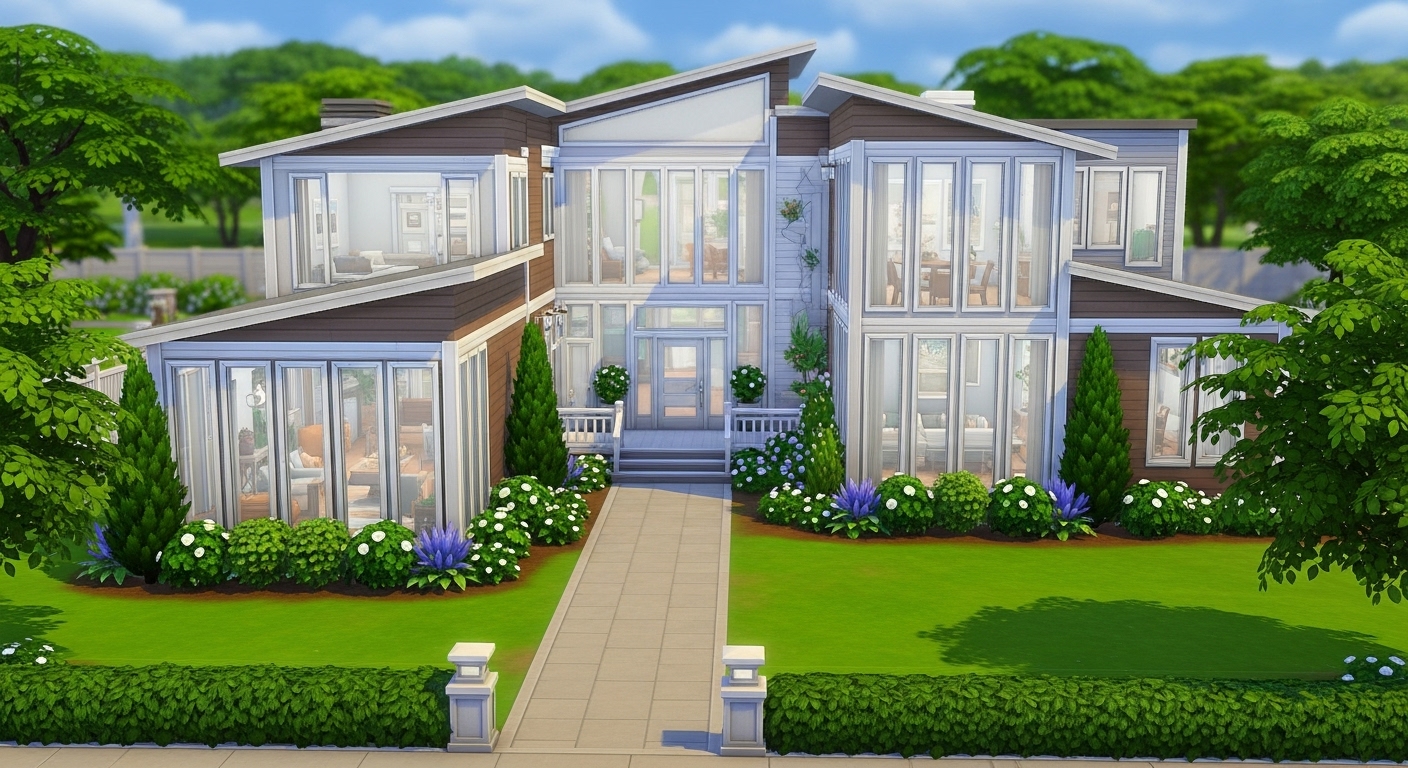
Roofs Matter More Than You Think
Roofs are often rushed, but they define the overall look of a house.
Roofing Tips
- Use multiple roof pieces instead of one large roof
- Match roof style to house shape
- Adjust roof height and width manually
- Avoid overcomplicated roof designs
Simple, clean roofs usually look better than complex ones.
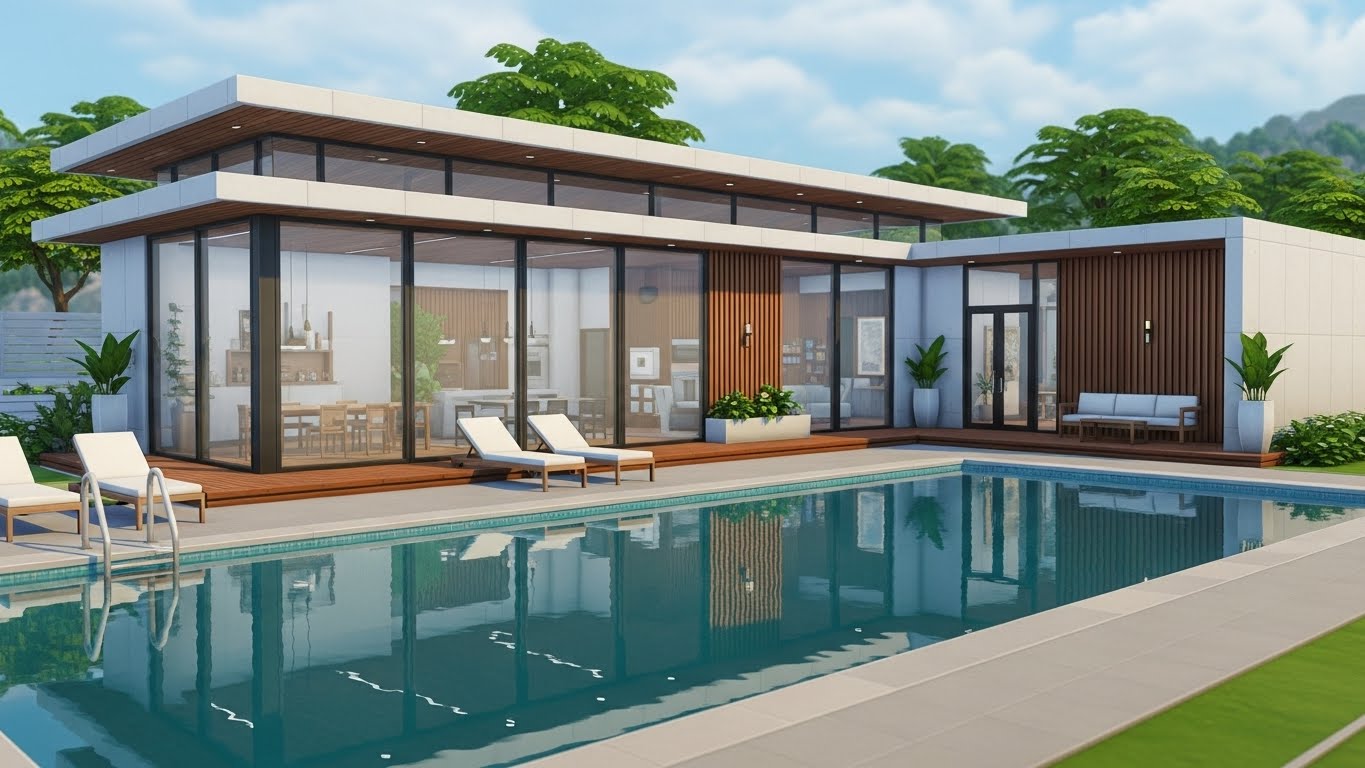
Improve Exteriors With Simple Details
A plain box can become a beautiful house with small changes.
Exterior Improvements
- Add bump-outs or porches
- Use different wall textures
- Add foundation trim
- Use windows of consistent style
Consistency is key for a professional look.
Choose a Cohesive Color Palette
Limit your color choices.
Good Practice
- 2–3 main colors
- 1 accent color
- Neutral tones for large surfaces
This applies to both exterior and interior design. Too many colors can make a house look chaotic.
Window Placement Makes a Huge Difference
Windows affect lighting and realism.
Window Tips
- Align windows evenly
- Match window size to room size
- Avoid placing windows too close to corners
- Use the same window style across the house
Well-placed windows instantly improve any build.
Light Your House Properly
Lighting is one of the most overlooked elements.
Lighting Rules
- One ceiling light per small room
- Multiple light sources for large rooms
- Warm lighting for bedrooms and living rooms
- Brighter lighting for kitchens and bathrooms
Good lighting makes houses feel cozy and lived-in.
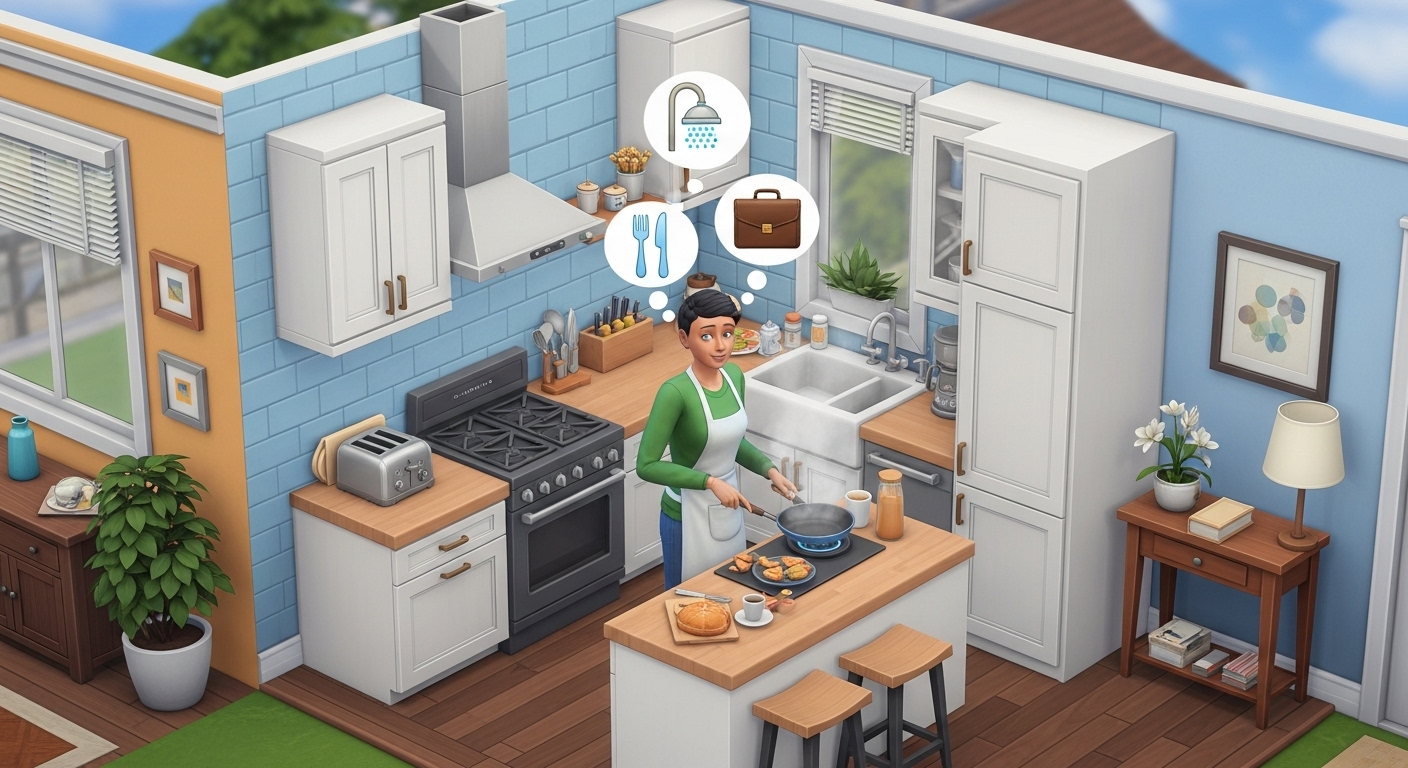
Furnish With Function in Mind
Don’t overdecorate.
Functional Decorating
- Leave space for Sims to walk
- Avoid blocking doors and counters
- Use fewer but meaningful objects
- Decorate based on Sim needs
A house should look good and be playable.
Use Clutter Sparingly
Clutter adds realism—but only when used carefully.
Best Clutter Areas
- Kitchen counters
- Shelves
- Coffee tables
- Desks
Too much clutter can make rooms feel messy or cramped.
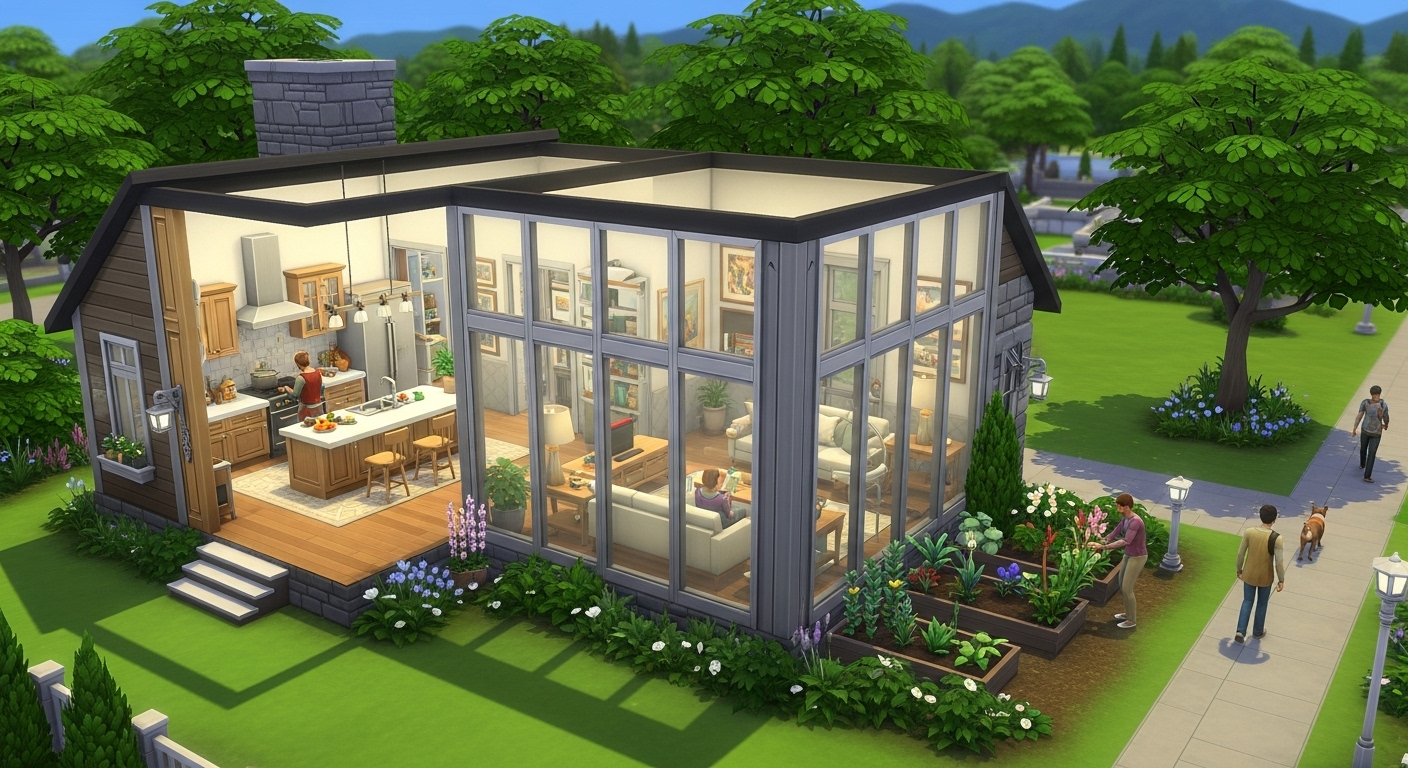
Landscaping Completes the Build
Outdoor areas matter just as much as interiors.
Landscaping Basics
- Add pathways to entrances
- Use trees and bushes for depth
- Avoid flat, empty yards
- Match plants to house style
Even simple landscaping makes a huge difference.
Don’t Ignore Terrain Tools
Terrain tools add realism.
Try:
- Slight elevation changes
- Raised foundations
- Sloped yards
Subtle terrain adjustments make houses feel grounded in the world.
Test Your House Before Finishing
Always test your build.
Check:
- Can Sims reach everything?
- Are doors blocked?
- Is there enough lighting?
- Do stairs work properly?
Testing prevents gameplay frustration later.
Learn From Gallery Builds
The Gallery is a great learning tool.
Download builds you like and:
- Study their layouts
- Analyze roof techniques
- Look at room sizes
- Observe color choices
Learning from others improves your own skills faster.
Practice With Challenges
Challenges help you improve creatively.
Try:
- Build with a limited budget
- Tiny home challenges
- Rags to Riches starter houses
- One-pack builds
Constraints force better design decisions.
Common Building Mistakes to Avoid
- Building too large
- Ignoring lighting
- Overusing decorations
- Mixing too many styles
- Forgetting functionality
Avoiding these mistakes will instantly improve your houses.
Final Thoughts
Building better houses in The Sims 4 isn’t about perfection—it’s about thoughtful design, balance, and practice. By focusing on layouts, proportions, lighting, and functionality, you can create homes that look great and play smoothly.
Take your time, experiment with different styles, and don’t be afraid to rebuild. Every house you create helps you become a better builder.
With these tips, you’ll see noticeable improvement in your Sims 4 houses—and enjoy the building process more than ever.