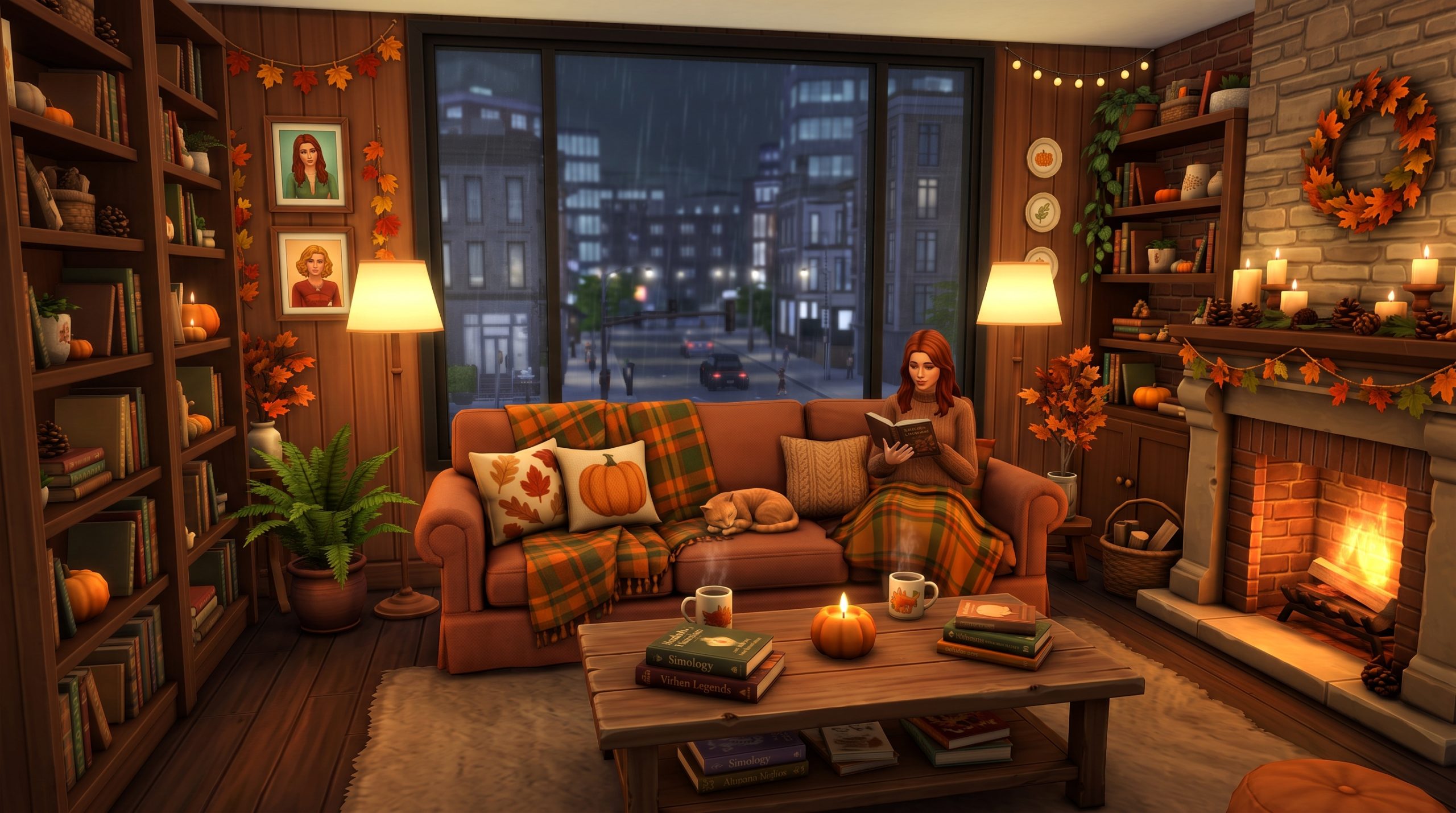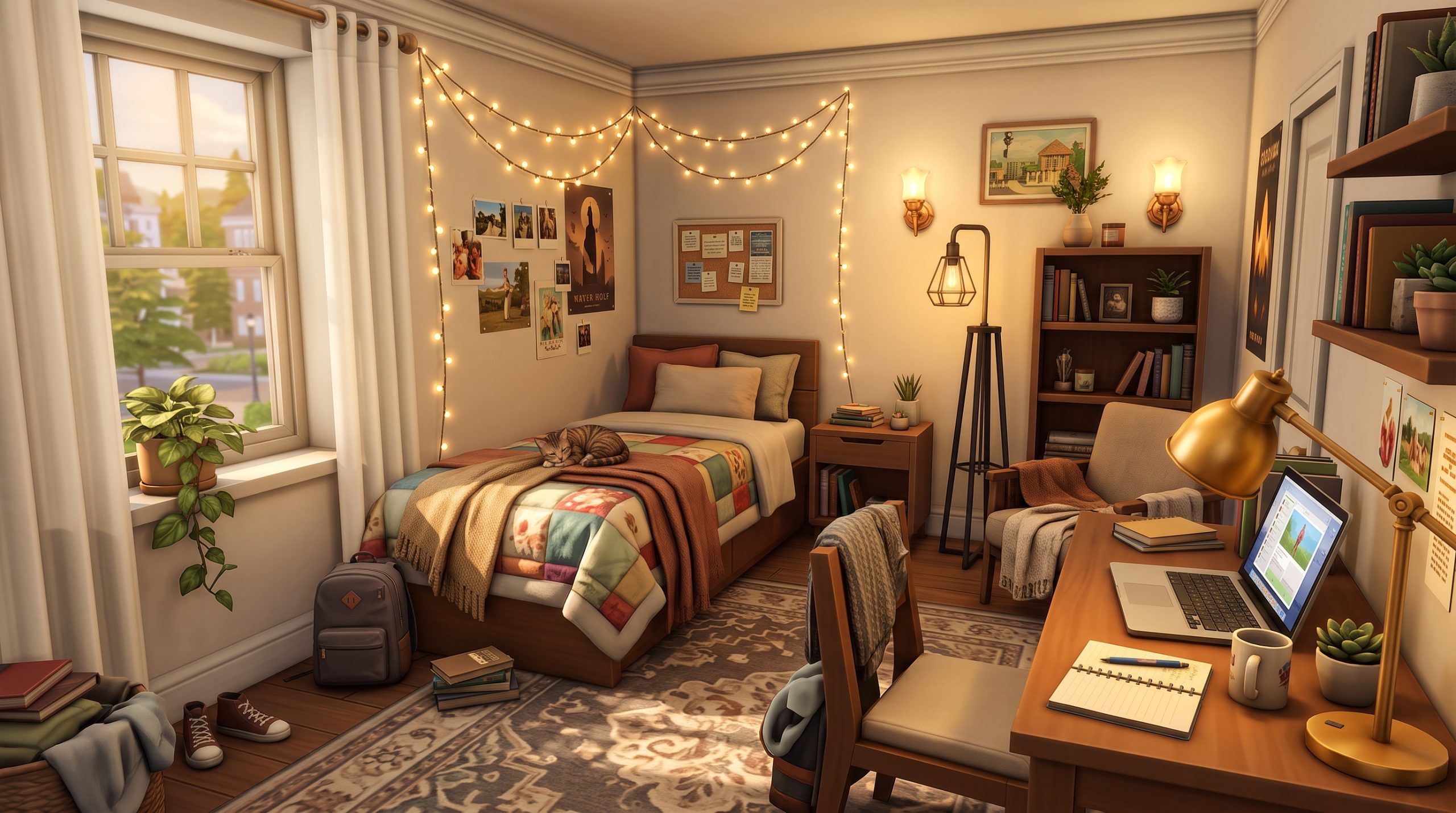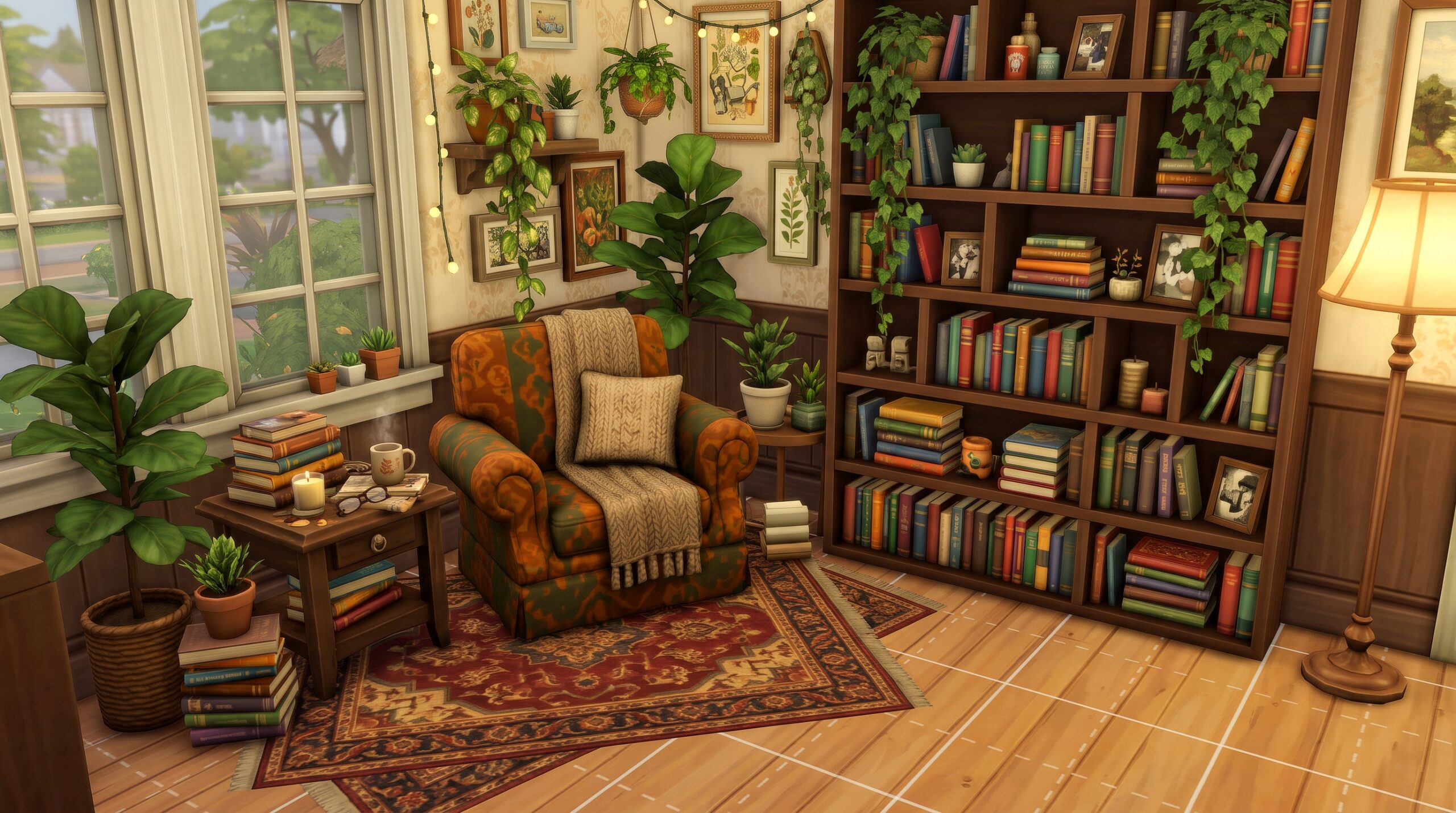
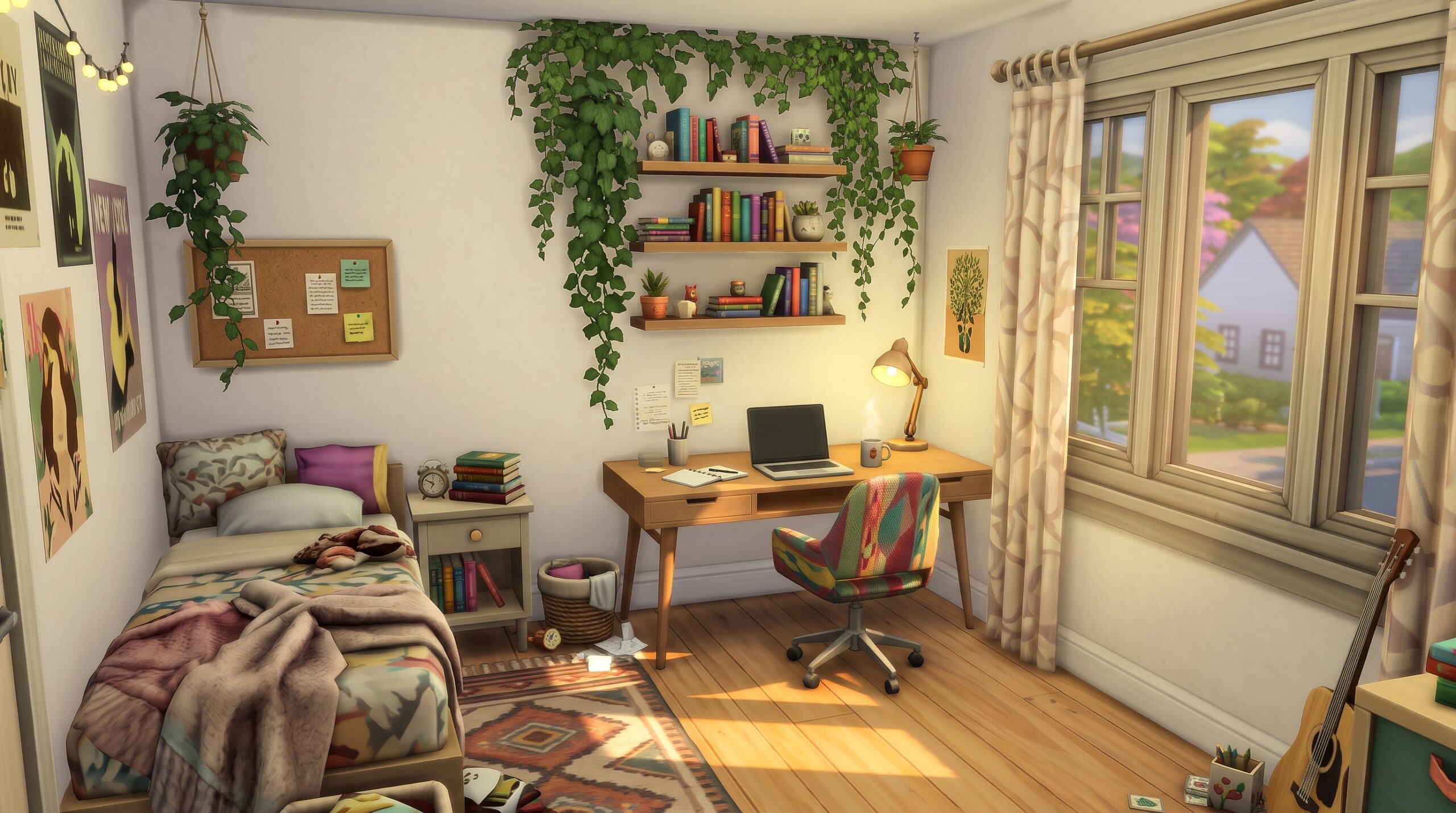
Designing a realistic, cozy room in Build Mode often comes down to the tiny details that bring a Sim’s home to life. While giant desktop computers and massive L-shaped desks have their place in luxury mansions, small rooms require a much more thoughtful approach. If you want to maximize floor space without sacrificing style, exploring creative Sims 4 laptop desk setup ideas is the perfect solution for your builds. Laptops offer incredible versatility, allowing you to craft compact, hyper-detailed workspaces that feel lived-in, stylish, and functional.
Whether you are building a micro-apartment in San Myshuno, a crowded dorm room in Brindleton Bay, or a cozy bedroom in Henford-on-Bagley, modernizing your desk layouts can elevate your entire interior design. In this guide, we will cover everything from game-changing pack recommendations and cheat codes to 20 unique layout ideas that will transform any dull corner into a gorgeous, realistic work station.
Why Small Laptop Workspaces Work Best in The Sims 4
Micro-living and small-footprint builds have become some of the most popular play styles in The Sims 4 community. Huge, multi-tile desks often dominate a bedroom, leaving little room for dressers, skill-building objects, or decorative elements. Transitioning to smaller laptop desks changes the entire dynamic of room planning.
Grid Management and Tile Efficiency
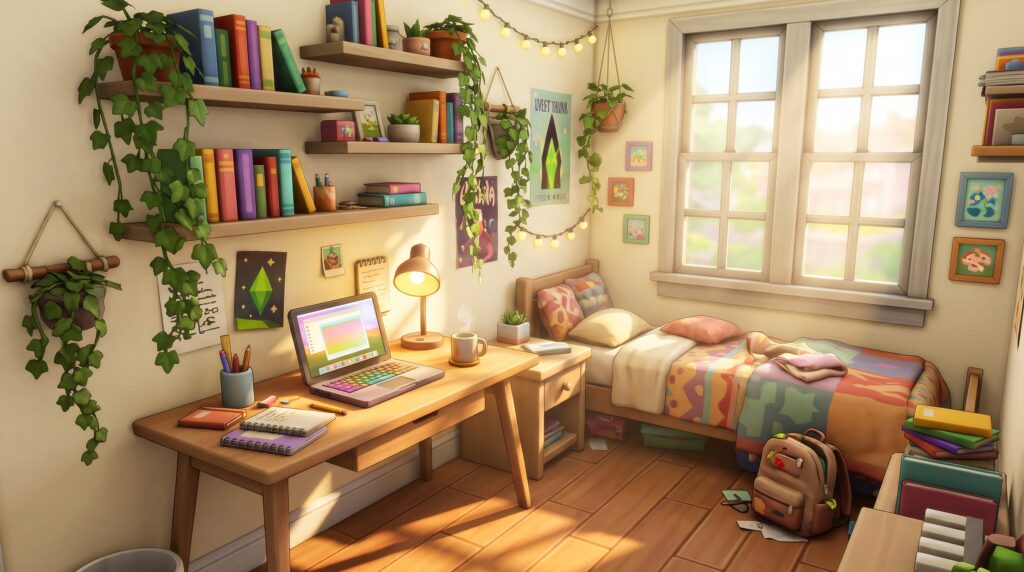
The grid system in The Sims 4 can be restrictive. Standard desktop computers require a full desk tile, and the bulky monitor often limits what decorative items you can place directly next to it. Laptops, however, take up significantly less visual real estate. By selecting single-tile desks or wall-mounted surfaces, you free up vital floor tiles. This allows you to place extra functional items—like a cozy reading armchair or an easel—without expanding the overall footprint of the room.
Sim Routing and Functional Playability
Nothing ruins an immersive gameplay session faster than the dreaded routing wave—when a Sim throws their hands up because an object is blocking their path. Compact laptop setups streamline navigation. Because laptops can easily sit on narrow consoles, dining tables adapted into desks, or modular shelving units, Sims can approach the chair with clear line-of-sight pathing. If you enjoy playing with full households in tiny homes, space efficiency directly translates to smoother gameplay.
Realistic Micro-Living Aesthetics
In real life, few people have massive gaming desks taking over their bedrooms—especially students and young professionals living in small apartments. Creating a compact study nook Sims 4 style mirrors real-world interior design trends. It allows builders to create authentic everyday spaces with realistic proportions, subtle clutter, and functional simplicity.
Must-Have Sims 4 Packs for Cozy Desk Designs
While base game objects get the job done, several Expansion, Game, and Stuff Packs provide essential furniture and clutter items that take a cozy Sims 4 desk build to the next level.
Here are the top packs to consider for decorating small workspaces:
- Dream Home Decorator Game Pack: Unlocks modular shelving units, sleek low-profile desks, and versatile swatches that allow you to build custom wall-to-wall desk systems tailored to any room size.
- High School Years Expansion Pack: Essential for teenage bedrooms and student spaces. It features modern desk swatches, hanging pegboards, stylish wall decor, and realistic study clutter.
- Discover University Expansion Pack: Perfect for academic vibes. Offers functional laptops, mini-fridges that fit under counter desks, classic wooden desks, and student-themed accessories.
- Everyday Clutter Kit & Book Nook Kit: Packed with tiny decorative objects like open books, pencil holders, laptop sleeves, mugs, and glasses that give desks a truly lived-in aesthetic.
- Paranormal Stuff Pack & Blooming Rooms Kit: Excellent for adding cozy mid-century furniture, textured desktop lamps, hanging wall ivy, and tiny potted succulents to brighten up dark corners.
20 Aesthetic Laptop Desk Setup Ideas for Tiny Bedrooms
Need inspiration for your next Build Mode session? Here are 20 aesthetic and space-saving concepts designed specifically for compact bedroom layouts.
1. The Under-Loft Bed Nook
Utilize the built-in desk slots under loft beds introduced in base game updates and High School Years. Place a portable laptop on the desk, add a small table lamp, and tuck a stool neatly underneath to maintain a single-tile footprint for the entire sleeping and working area.
2. The Floating Wall Cantilever Desk
Instead of a traditional four-legged table, use modular shelves from Dream Home Decorator lowered to table height. This creates a floating desk that leaves the floor underneath visible, making tiny rooms feel instantly larger.
3. The Recessed Wall Alcove
Create a one-tile recess in your wall layout using the room tool. Place a single-tile desk inside the nook, add wallpaper with an accent pattern inside the recess, and top it off with warm spotlighting for a built-in study feel.
4. The Sunlit Bay Window Workstation
Position a low wooden console table directly against a large window bay. Your Sim can work on their laptop while looking out at the yard, catching natural sunlight that brightens the interior aesthetic.
5. The Plant Lover’s Botanical Hub
Surround a modern white laptop desk with wooden plant stands, hanging ivy from Blooming Rooms Kit, and small desktop cacti. Combine earthy wood textures with leafy greens for a fresh, calming work environment.
6. The Pastel Cottagecore Corner
Pair light pine wood desks with soft pink or sage green chairs. Decorate the desk with tea mugs, open journals, dried flower vases, and vintage brass lamps for a storybook study nook.
7. The Scandinavian Minimalist Console
Keep things simple with a neutral color palette. Use a clean white surface, a light-oak chair, a sleek grey laptop, and a single statement desk lamp. Zero unnecessary clutter ensures a clutter-free, Scandinavian-inspired space.
8. The Cyberpunk Neon Streamer Nook
Use dark wall swatches combined with vibrant wall lights from High School Years or base game ambient LED strips. Place dual laptops or a laptop connected to an external monitor, flanked by colorful LED signs.
9. The Moody Dark Academia Library Desk
Use deep mahogany wood tones, dark green or burgundy wallpaper, stacked book piles, vintage globe lamps, and antique leather chairs. This setup works exceptionally well in older homes or historic Brindleton Bay builds.
10. The Industrial Loft Pipe Desk
Combine reclaimed wood textures with black iron pipe accent furniture. Add metal desk organizers, exposed brick walls, and warm Edison bulb lighting for an urban city apartment aesthetic.
11. The Modern Boho Rattan Station
Incorporate woven rattan chairs, light wicker baskets placed beneath the desk, hanging macrame wall art, and warm neutral linens to build a bohemian-inspired creative nook.
12. The Cozy Attic Eaves Desk
Place a small study desk directly under angled attic roofs. Add cozy fairy lights along the sloped ceiling to turn an awkward ceiling height into a cozy, functional highlight of the room.
13. The Mid-Century Modern Wooden Desk
Utilize walnut-toned desks with tapered legs. Complement the wood with geometric wall prints, a stylish retro desk lamp, and a modern desk chair for a sophisticated retro vibe.
14. The Pastel Gamer Girl RGB Workspace
Combine soft pink, purple, and mint green swatches. Frame the laptop with cute headset clutter, cat-ear accessories, desktop plushies, and soft pastel wall art.
15. The Crafting & Knitting Combo Station
Merge work and hobbies by pairing a compact laptop setup with yarn baskets from Nifty Knitting, sketchbooks, and fabric rolls stored on floating shelves above the desk.
16. The Room Divider Partition Setup
If your room lacks full walls, place a wooden slat room divider or a tall open bookcase behind a small desk to create a clear visual distinction between the sleeping zone and the workspace.
17. The Art Student’s Creative Mess
Layer realistic clutter like paint tubes, color swatches, dropped sketchbooks, and coffee cups around a central laptop using build cheats to convey a late-night study session.
18. The Ultra-Tiny 1×1 Micro Nook
When space is extremely tight, use a single hallway console table as a desk, pair it with a low-profile dining chair, and place a laptop right in the center for the ultimate space-saving solution.
19. The Luxury Marble & Gold Corner
For high-end apartments, opt for desks featuring marble tops and metallic gold legs. Decorate with sleek glass organizers, stylish perfume bottles, and designer lighting fixtures.
20. The Integrated Bookcase Desk Unit
Flank a slim desk with tall, matching bookcases on both sides to create a seamless, floor-to-ceiling built-in wall unit that maximizes vertical storage while housing your Sim’s computer.
How to Layer Clutter on Sims 4 Desks Using Cheats
Creating believable interiors often relies on placing items naturally across surfaces rather than snapping them rigidly to predefined grid slots. When implementing these Sims 4 laptop desk setup ideas in your build, mastering basic build cheats will completely transform your results.
To start customizing your furniture layouts, open the cheat console by pressing Ctrl + Shift + C (or all four triggers on console) and type in bb.moveobjects on. This fundamental command unlocks object placement, allowing items to overlap seamlessly without grid restrictions.
Step-by-Step Guide to Free-Placing Laptop Clutter
- Place Your Desk and Laptop: Set down your chosen desk and snap the laptop onto the main computer slot so the Sim can interact with it correctly.
- Prepare a Temporary Auxiliary Surface: Place an identical desk or table nearby. Drag decorative objects—such as pens, notebooks, and coffee mugs—onto this temporary surface so they match the correct counter height.
- Move the Auxiliary Surface: Hold down the
ALTkey to smoothly slide the temporary table away, leaving the clutter floating mid-air at the precise height of the original desk. - Position Objects Freedom: Hold the
ALTkey while grabbing the floating items and glide them into position around your laptop. Because they are no longer snapped to the desk’s slots, you can place them closely together without grid interference. - Adjust Height When Needed: Use the
9key to raise objects slightly and the0key to lower them. This allows you to stack small items, such as putting a pair of reading glasses directly on top of a book.
If you play with custom content, downloading targeted Sims 4 laptop desk clutter CC packs provides even more micro-decorations—such as wireless mice, mouse pads, external hard drives, and desk organizer trays—designed specifically for free-placement workflows.
Space-Saving Furniture Configurations for Micro Workspaces
Building functional small spaces requires clever spatial layout strategies. Instead of viewing awkward architectural corners as wasted space, you can turn them into stylish highlights by utilizing smart furniture arrangements.
| Configuration Strategy | Best Furniture Pieces to Use | Primary Benefit |
|---|---|---|
| Integrated Dresser-Desk | Low-profile dressers placed inline with single-tile desks | Creates a continuous horizontal surface, combining storage and work space. |
| Floating Wall Shelf System | Dream Home Decorator modular shelves & hanging racks | Frees up floor tiles while providing ample space for book storage and plants. |
| Under-Loft Integration | Loft beds with clear under-frame clearance | Saves an entire 2×3 footprint by merging sleeping and working quarters vertically. |
| Corner Angle Placement | Triangle corner tables or free-rotated single desks | Utilizes sharp room corners that are normally unsuitable for larger furniture. |
Applying clever Sims 4 interior design ideas helps keep your builds varied and fresh. For instance, pairing a shallow console table with a minimalist stool allows you to slide the seat completely out of sight when not in use, keeping walkways wide open for your Sims.
Color Palettes and Lighting Tips for a Warm Gaming Nook
Lighting and color choices greatly influence how comfortable and inviting a study corner feels within a room. Small spaces decorated in dark colors can sometimes feel cramped, while overly bright white rooms may end up feeling clinical and cold.
Soft Ambient Lighting
Avoid relying solely on harsh overhead ceiling lights. Instead, layer your light sources to build depth:
- Place a warm-toned desk lamp directly next to the laptop screen.
- Use wall-mounted sconces or LED strip lights above floating shelves to wash walls in soft light.
- In Live Mode, click on individual lights to set their color temperature to a warm, soft yellow tone for an ultra-cozy evening ambiance.
Cohesive Material Palettes
When selecting furniture swatches, stick to two or three primary tones to maintain visual harmony. Combining light warm woods (like birch or light oak) with soft neutral surfaces (cream, warm beige, light grey) reflects natural light across tiny rooms, making a Sims 4 small room workspace feel noticeably airier and more spacious.
Frequently Asked Questions
How do you place a laptop on a desk in The Sims 4?
To place a laptop on a desk, simply select the laptop from the Build/Buy catalog (found under Electronics > Computers) and drag it over your chosen desk. It will automatically snap into the active computer slot. If you wish to place decorative laptops that Sims do not use, you can free-place them using the bb.moveobjects on cheat while holding the ALT key.
Can Sims use a laptop on a clutter-heavy desk without routing issues?
Yes, as long as the primary computer slot on the desk remains clear and the chair in front of the desk is accessible. Avoid placing large items directly in front of the chair footprint or blocking the immediate keyboard space, as this can trigger routing errors when your Sim attempts to sit down.
What build cheats are best for decorating small workspaces in Sims 4?
The main cheat required for decorating small spaces is bb.moveobjects on. Additionally, holding the ALT key allows smooth grid-free rotation and placement, while using the 9 and 0 keys adjusts the vertical height of decorative objects to layer them seamlessly onto surfaces.
Which Sims 4 expansion packs include the best desk objects?
Dream Home Decorator is widely considered the best pack for desks due to its versatile modular shelving systems. High School Years, Discover University, and the Everyday Clutter Kit are also top choices, providing modern student furniture, compact laptops, and realistic desktop accessories.
Conclusion
Crafting stylish, space-saving study areas is one of the most rewarding parts of decorating in Build Mode. By moving away from massive desktop setups and embracing flexible layouts, you unlock endless possibilities for personalizing tiny bedrooms, dorms, and micro-apartments. Whether you prefer a sleek modern look, a lush botanical workstation, or a cluttered creative corner, testing out these Sims 4 laptop desk setup ideas will help you design spaces that feel both incredibly authentic and delightful to play in.